
Introducing Embed mode
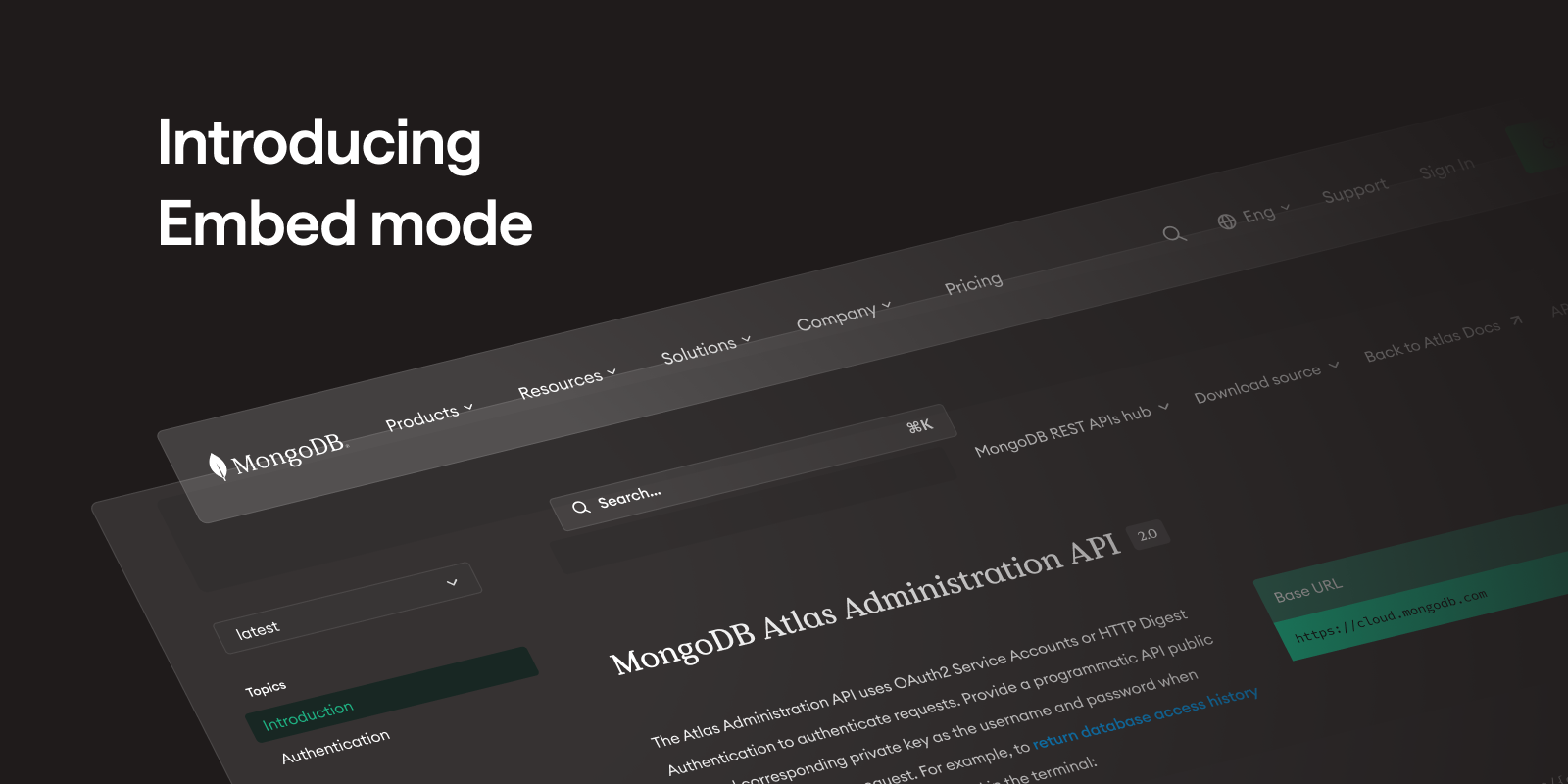
Thanks to Embed mode, documentation can now be fully integrated in your global navigation, to provide your users with one unified experience. By integrating your Bump.sh documentation inside your own frontend stack, you get complete control over your branding and navigation.
To activate Embed mode, three steps are needed:
- Set up a reverse proxy in front of Bump.sh that can rewrite and forward traffic correctly,
- Add the required headers
X-BUMP-SH-PROXYandX-BUMP-SH-EMBED, - Inject your topbar, footer in the dedicated HTML tags.
Discover our integration guide in our help center
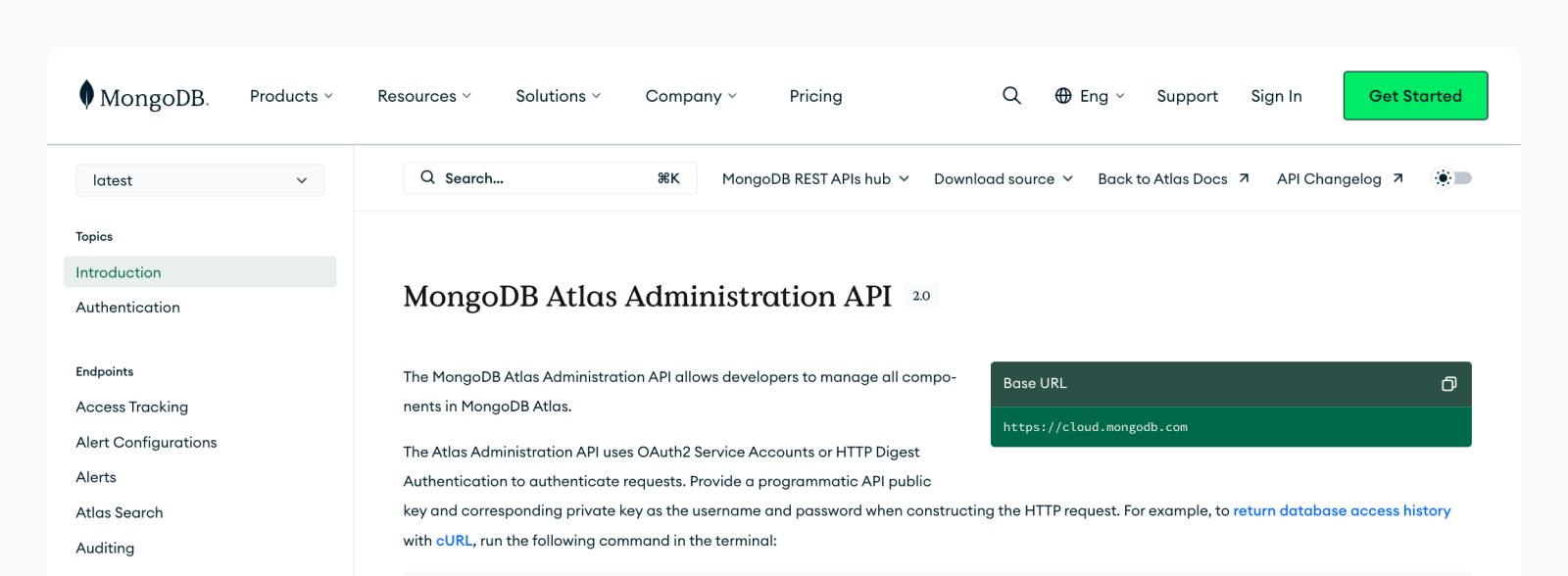 Embed mode used by MongoDB
Don’t hesitate to reach out if you have any feedback regarding this freshly released feature.